Answer:
Handle last-minute schedule changes by having pre-established communication protocols, backup plans ready to activate, and a calm systematic approach—immediately updating calendars, contacting all affected parties through multiple channels, and confirming everyone has received the message.
- Immediate action: Update central calendar, multi-channel communication
- Backup plans ready: Alternative venues, dates, and contacts prepared
- Confirmation required: Don't assume message received—verify
Author: Team Game Finder Editorial Team
Expertise: Sports team management, crisis communication, scheduling
Types of Last-Minute Changes
Different types of changes require different response approaches. Postponements (hours to days notice) typically result from weather or opponent cancellation. Venue changes (hours to days) occur when pitches are unplayable or double-booked. Time changes (days to hours) happen due to referee availability or opponent requests. Cancellations (hours notice) result from insufficient players or emergencies. Opposition changes (days notice) occur when original opponents withdraw.
Immediate Response Protocol
Step 1: Confirm the Change
Before communicating:
- Verify the information is accurate
- Understand the reason
- Know what alternatives exist
- Get any necessary details (new venue, new time, etc.)
Step 2: Update Central Calendar
First action after confirming:
- Edit the calendar entry immediately
- Include updated details
- Add note about the change
- Mark original information as superseded
Step 3: Multi-Channel Communication
Don't rely on one method:
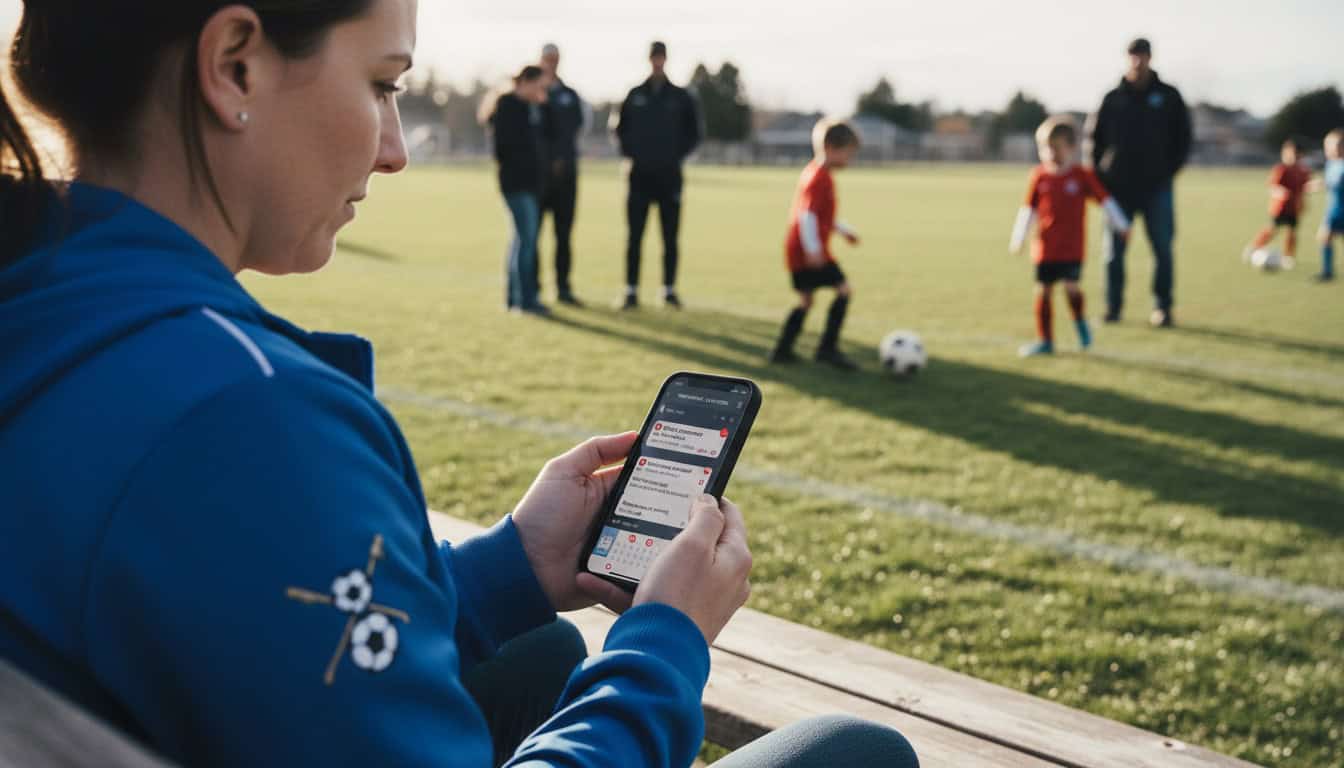
Group messages via WhatsApp provide immediate notification to most players. Team app notifications give automated alerts to app users. Phone calls allow fast contact with specific people and non-responders. Email provides slower delivery but creates good documentation for follow-up.
Step 4: Confirm Receipt
Essential for critical changes:
- Request acknowledgment ("Reply 'seen'")
- Check who hasn't responded
- Contact non-responders directly
- Buddy system for checking teammates
Communication Templates
Match Postponed
Example message:
⚠️ MATCH POSTPONED
Saturday's match vs [Opposition] is OFF.
Reason: [Weather/Opponent request/etc.]
New date: TBC - will confirm ASAP
Training still on as normal Tuesday.
Reply 'seen' to confirm you've got this.
Venue Changed
Example message:
⚠️ VENUE CHANGE - SATURDAY
We're NOW playing at:
📍 [New Venue Name]
[Full address]
[Google Maps link]
Same time: 2:00 PM kickoff (arrive 1:15 PM)
[Old venue] is unavailable due to [reason].
Reply 'seen' - IMPORTANT everyone knows new location.
Time Changed
Example message:
⚠️ TIME CHANGE - SATURDAY
NEW kickoff: 1:00 PM (was 2:00 PM)
Arrive by: 12:15 PM
Same venue: [Location]
Reason: [Referee availability/opponent request/etc.]
Reply 'seen' please.
Preparing for Changes
Build Backup Plans
Backup venues:
- Identify 2-3 alternative venues
- Keep contact details handy
- Know their availability patterns
- Have booking process understood
Backup dates:
- Know which dates are free in calendar
- Understand opponent constraints
- Have rescheduling options ready
Backup contacts:
- Opposition manager alternative contact
- Referee alternative
- Venue manager direct line
Pre-Season Preparation
At season start, establish:
- Emergency contact list (all players)
- Backup venue options documented
- Communication protocol agreed
- Roles assigned (who communicates what)
Specific Scenarios
Weather Postponement
Typical timeline:
- Monitor forecast from midweek
- Contact venue for pitch inspection (morning of)
- Decision communicated as early as possible
- If postponed, confirm by 9-10 AM ideally
Communication approach: Give early warning if forecast bad, confirm decision as soon as made, explain reason briefly, and advise on rescheduling.
Opponent Cancellation
When opponent cancels:
- Understand why (genuine reason vs. pattern)
- Decide response (reschedule vs. find replacement)
- Communicate to your team
- Attempt to fill the slot if desired
Finding replacement opposition: Contact teams from your network, post on Team Game Finder, check WhatsApp groups, and accept different level if needed to get a game.
Insufficient Players
Prevention:
- Availability confirmed by deadline
- Buffer of 2-3 extra players
- Backup list of emergency callups
When it happens: Contact backups immediately, consider playing with fewer (if rules allow), make decision by latest viable time, and communicate clearly to opponent.
Managing Player Reactions
Common Frustrations
- "I rearranged my whole day"
- "I drove halfway there"
- "Why wasn't this communicated earlier?"
Response Approach
Acknowledge frustration: "I understand this is annoying," "Sorry for the late notice," "We found out at [time]"
Explain clearly: What happened, why the decision was made, and what's happening next
Don't over-apologize: Weather isn't your fault, opponent cancellations happen, focus on solutions not blame
Learning from Changes
Post-Change Review
After any last-minute change:
- What could we have known earlier?
- Did communication reach everyone?
- How can we prevent or handle better next time?
Pattern Recognition
Track repeated issues: Same opponent cancelling regularly? Same venue having problems? Same communication gaps? Address patterns, not just individual incidents.
Technology Aids
Instant Communication Tools
Team apps with push notifications: Immediate delivery, read receipts, and less likely to be missed than texts
WhatsApp features: Broadcast lists (one-to-many), read receipts visible, and voice notes for urgency
Calendar Integration
Automatic sync: Changes update on everyone's phone with no action needed by players. Works if they check calendar.
Limitation: Doesn't alert if they don't check.
How This Relates to Scheduling
Handling changes connects to your broader approach:
- Sports Team Scheduling Hub: Overall scheduling strategy
- 5 Biggest Scheduling Mistakes: Prevention is better than cure
- Why Teams Cancel Matches: Understanding cancellation patterns