Answer:
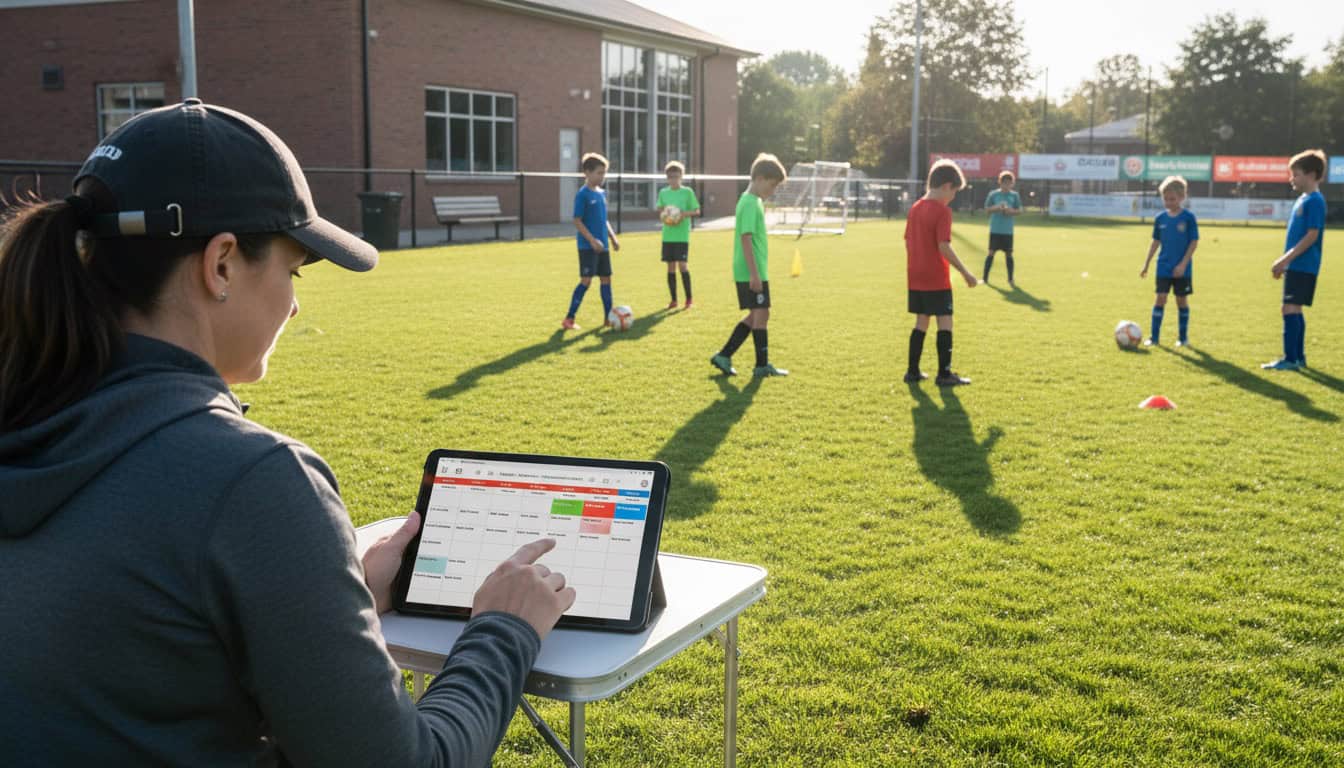
Automate your weekly schedule by establishing fixed recurring time slots for training and home matches, setting up calendar automations that create entries in advance, and building a predictable rhythm that players can plan their lives around.
- Fixed weekly slots: Same times every week for training and matches
- Calendar automation: Entries created automatically in advance
- Predictable rhythm: Players can commit knowing the regular pattern
Author: Team Game Finder Editorial Team
Expertise: Sports team scheduling, automation, team coordination
Why Recurring Slots Work
Benefits for Players
- Plan ahead: Know training is every Tuesday without checking
- Reduce conflicts: Block time in work/family calendars
- Build routine: Football becomes part of weekly rhythm
- Less confusion: No need to constantly verify times
Benefits for Managers
- Reduced admin: Don't recreate calendar entries weekly
- Consistent booking: Regular venue slots easier to secure
- Better attendance: Predictability improves turnout
- Simplified communication: "Same time as always"
Setting Up Recurring Slots
Training Sessions
Establish your pattern:
| Consideration | Decision |
|---|---|
| Days of week | Tuesday and Thursday? |
| Time | 7:00 PM - 8:30 PM? |
| Venue | Same location every week? |
| Seasonal variation | Winter indoor, summer outdoor? |
Create the recurring entry:
In Google Calendar:
- Create event with training details
- Click "Does not repeat" dropdown
- Select "Weekly on [days]"
- Set end date (end of season)
- Include all relevant details in description
Home Match Slots
If you have a regular home venue:
Typical setup:
- Every other Saturday at 2:00 PM (home game weeks)
- Or: Second and fourth Saturday of each month
- Fixed kick-off time helps opponents plan
Calendar entry:
Saturday 2:00 PM (arrive 1:00 PM)
[Home venue address]
Kit: Home colors
Opposition: To be confirmed
Update with specific opponent when arranged.
Automation Options
Team Management Apps
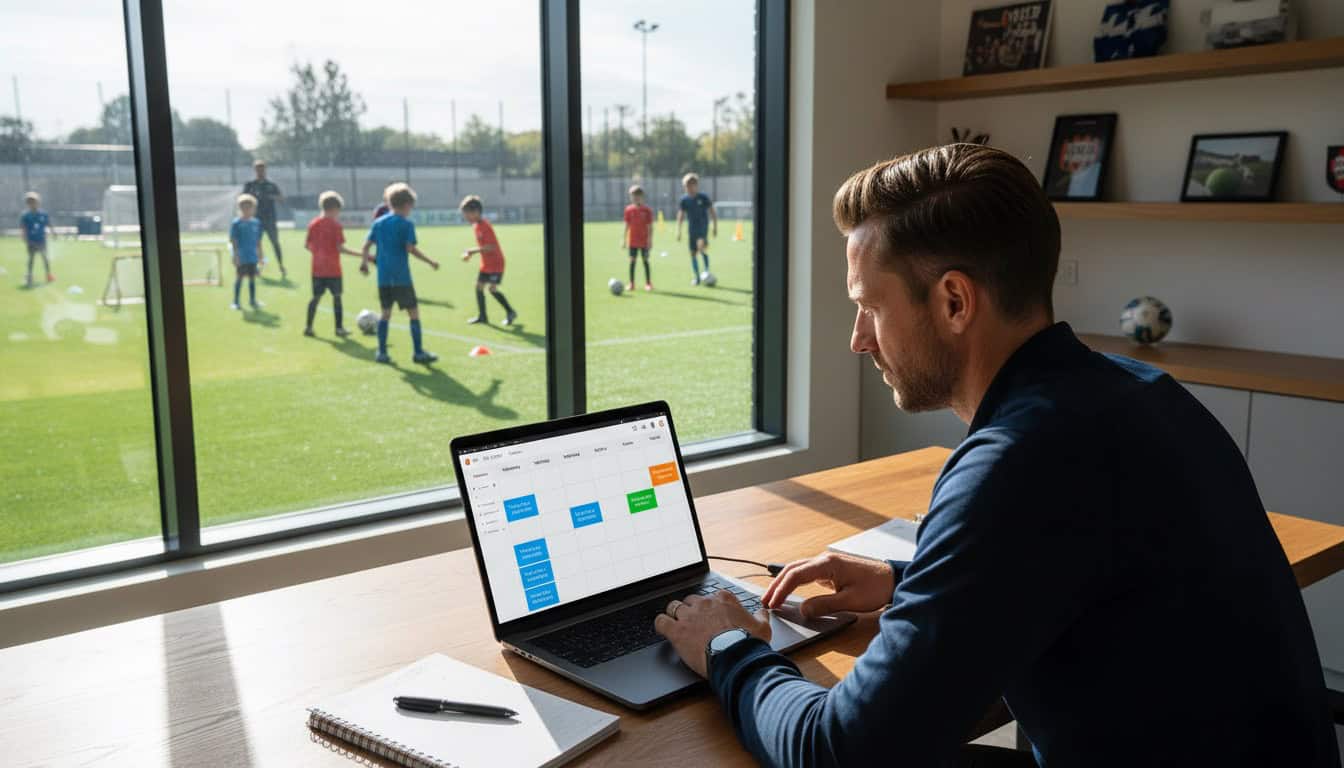
Most apps support recurring events:
| App | Recurring Feature |
|---|---|
| TeamSnap | Full recurring event support |
| Spond | Repeating activities |
| Heja | Recurring events |
| Team Game Finder | Recurring availability slots |
Calendar Apps
Google Calendar automation:
- Recurring events with set end dates
- Email reminders automatic
- Mobile notifications included
Outlook Calendar:
- Recurrence patterns
- Series management
- Shared calendar updates
Integration Benefits
Connect your systems:
- Training creates automatic availability requests
- Match slots trigger opponent search reminders
- Venue bookings sync with team calendar
Building Your Weekly Template
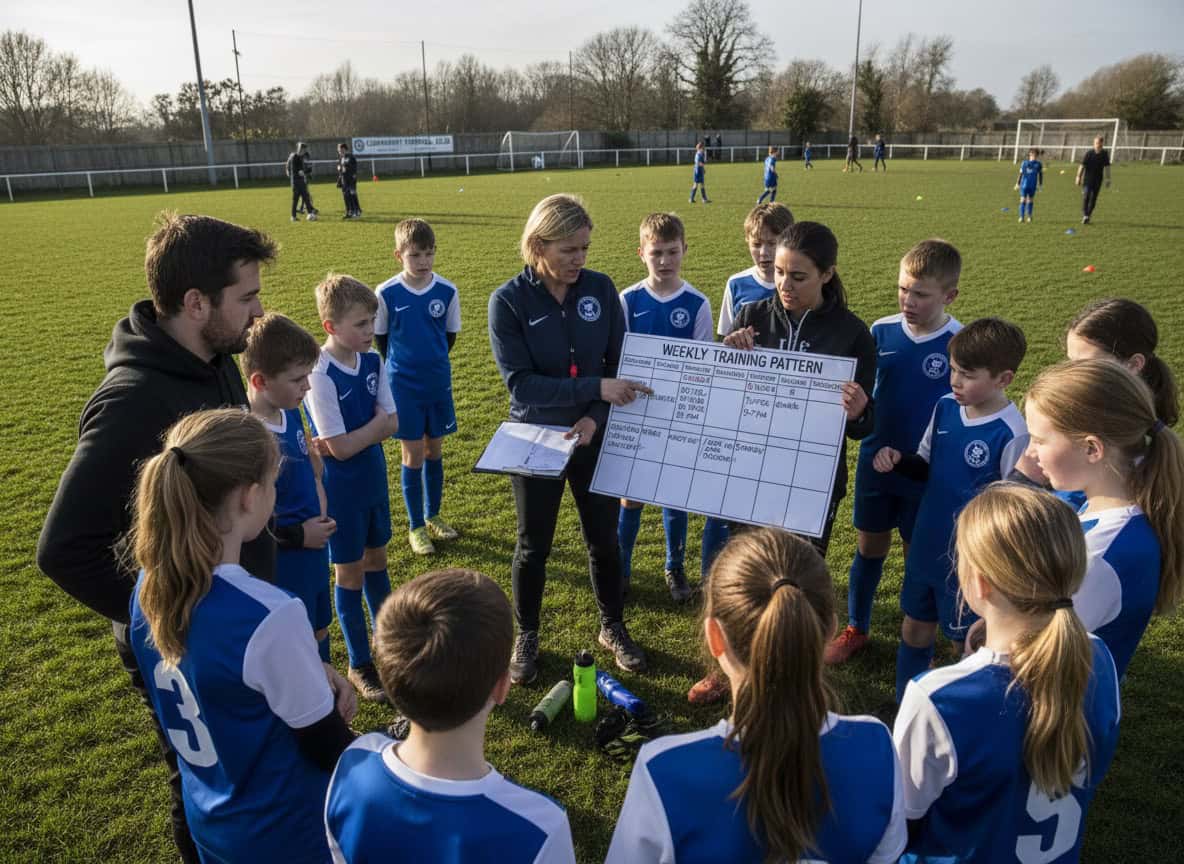
Sample Weekly Structure
| Day | Time | Activity | Recurring? |
|---|---|---|---|
| Monday | — | Rest day | — |
| Tuesday | 7:00 PM | Training | ✅ Weekly |
| Wednesday | — | Rest/optional | — |
| Thursday | 7:00 PM | Training | ✅ Weekly |
| Friday | — | Pre-match prep | — |
| Saturday | 2:00 PM | Match day | ✅ Alternating |
| Sunday | 10:00 AM | Alternative slot | As needed |
Seasonal Templates
Pre-season (July-August):
- 3 training sessions per week
- 2 friendlies per week
- Higher frequency, building fitness
In-season (September-May):
- 2 training sessions per week
- 1 match per week (league fixture)
- Sustainable pattern
Off-season (May-July):
- Optional social football
- Reduced frequency
- Recovery and break
Managing Exceptions
When Recurring Slots Don't Work
Exceptions will happen:
- Bank holidays
- Venue closures
- Cup draws changing dates
- Weather postponements
How to handle:
- Edit the specific instance (not whole series)
- Communicate the exception clearly
- Note it's a one-off change
- Return to normal pattern next week
Avoiding Confusion
Clear communication:
- "Training cancelled THIS Tuesday only"
- "Match moved to Sunday THIS WEEK"
- "Back to normal schedule next week"
Calendar hygiene:
- Delete cancelled instances
- Update changed instances
- Keep recurring series intact
Venue Booking Alignment
Securing Regular Slots
Approach your venue:
"We'd like to book the same slot every week:
- Tuesday 7:00-8:30 PM
- September through May
Can we set up a regular booking?"
Benefits of regular booking:
- Priority access
- Often discounted rates
- Less admin each week
- Relationship building
When Regular Slots Aren't Available
Alternatives:
- Rotate between 2-3 venues on fixed pattern
- Book available slots in blocks
- Partner with other teams for slot sharing
- Accept some variability with clear communication
Player Expectations
Setting the Standard
At season start, communicate:
- "Training is every Tuesday and Thursday at 7 PM"
- "Home matches are alternate Saturdays at 2 PM"
- "This is our schedule—please block your calendar"
Reinforce regularly:
- "Same time as always"
- "Regular schedule this week"
- Mention only when there ARE changes
Handling Player Conflicts
For regular conflicts:
- "I can never make Tuesdays"
- Discuss whether Thursday attendance is sufficient
- Consider if alternative arrangement possible
- Be realistic about commitment expectations
For occasional conflicts:
- Normal part of amateur sport
- Advance notice appreciated
- Track patterns that become concerning
Optimizing Your Slots
Reviewing What Works
Questions to ask:
- Are players consistently available at these times?
- Does the venue reliably available?
- Is the pattern sustainable through the season?
- Would different times improve attendance?
Making Changes
When to change recurring slots:
- Consistent availability problems
- Venue becomes unavailable
- Team circumstances change
- Better options become available
How to change:
- Consult with players before deciding
- Give advance notice of new pattern
- Update all calendar entries
- Communicate clearly and repeatedly
How This Relates to Scheduling
Recurring slots connect to your broader approach:
- Sports Team Scheduling Hub: Overall scheduling strategy
- Managing Team Availability: Getting responses for recurring events
- Best Scheduling Apps: Tools with recurring event features