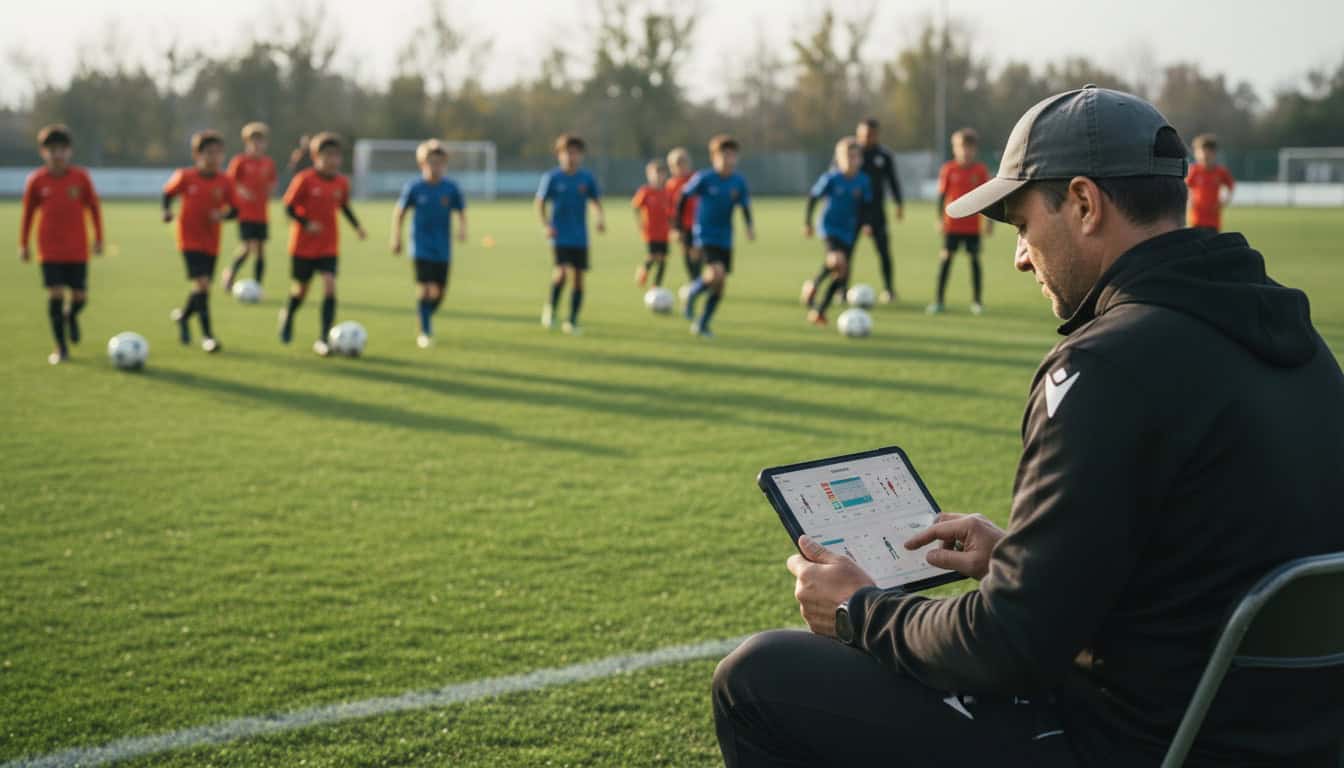
Team managers should automate repetitive, time-consuming tasks that don't require human judgment: availability collection, match reminders, payment tracking, fixture confirmations, and document distribution. Automation saves hours weekly, reduces errors, and ensures nothing falls through the cracks. Start with your biggest time drains—usually availability collection and communication—then expand to other areas as you build confidence with automation tools.
Key Takeaways
- Automate the repetitive — Tasks you do weekly in the same way are prime automation candidates
- Start with communication — Automated reminders and confirmations deliver immediate time savings
- Keep humans for judgment — Selection decisions, conflict resolution, and relationship building need personal touch
Why Automation Matters for Team Managers
The Time Reality
Volunteer team managers often spend 5-10 hours weekly on administration. Much of this time involves repetitive tasks that follow predictable patterns—exactly what automation handles well.
| Task | Typical Time (Weekly) |
|---|---|
| Chasing availability | 1-2 hours |
| Sending reminders | 30-60 minutes |
| Coordinating fixtures | 1-2 hours |
| Managing payments | 30-60 minutes |
| Answering repeated questions | 30-60 minutes |
| Updating records | 30-60 minutes |
Benefits Beyond Time Savings
Consistency: Same process every time, nothing forgotten, professional presentation, reliable execution.
Reduced errors: No manual data entry mistakes, automatic calculations, consistent formatting, audit trails.
Better player experience: Timely information, clear communication, easy response mechanisms, professional organization.
Manager wellbeing: Less mental load, reduced stress, more time for football, sustainable volunteering.

Tasks You Should Automate
1 Availability Collection
The problem: Manually messaging players, tracking responses, chasing non-responders, and compiling results consumes hours weekly.
The automation:
- Scheduled availability requests sent automatically
- Players respond through app or form
- Responses compiled automatically
- Non-responder reminders triggered
- Summary dashboard shows status
Tools that help: Spond, TeamSnap, Heja, Google Forms with response tracking, WhatsApp broadcast lists with polls, custom scheduling platforms.
Setup investment: 1-2 hours initially | Time saved: 1-2 hours weekly
2 Match Reminders
The problem: Remembering to send reminders at appropriate intervals, including all relevant details, and ensuring delivery.
The automation:
- Reminders scheduled when fixture confirmed
- Automatic triggers at set intervals (1 week, 2 days, morning of)
- Include all match details automatically
- Delivery confirmation tracked
Typical reminder sequence:
- 1 week before: Initial reminder with details
- 48 hours before: Confirmation request
- Morning of match: Final reminder with logistics
- Post-match: Thank you and next fixture preview
Setup investment: 30 minutes per fixture type | Time saved: 30-60 minutes weekly
3 Payment Collection and Tracking
The problem: Tracking who's paid, chasing outstanding amounts, reconciling payments, and managing subscriptions.
The automation:
- Recurring payment requests sent automatically
- Payment status tracked in real-time
- Outstanding balance reminders triggered
- Reports generated automatically
What to automate: Subscription/membership collection, match fee tracking, kit payment plans, tour or event deposits.
Setup investment: 2-3 hours initially | Time saved: 1-2 hours monthly
4 Fixture Confirmations
The problem: Remembering to confirm with opponents, venues, and officials at appropriate intervals.
Confirmation cascade:
- 2 weeks out: Initial confirmation request
- 1 week out: Detail confirmation
- 48 hours out: Final confirmation
- Match day: Arrival confirmation
Setup investment: 1 hour to create templates | Time saved: 30-60 minutes weekly
5 Document Distribution
The problem: Sending fixture lists, team sheets, directions, and other documents to the right people at the right time.
Documents to automate:
- Season fixture lists
- Training schedules
- Venue directions and information
- Team policies and codes of conduct
- Kit and equipment lists
Setup investment: 2-3 hours to organize | Time saved: 30-60 minutes monthly
6 New Player Onboarding
The problem: Providing consistent information to new players, collecting required details, and integrating them into team systems.
Onboarding sequence:
- Day 1: Welcome message with key information
- Day 2: Registration forms and requirements
- Day 5: Follow-up on incomplete items
- Day 7: Introduction to communication channels
- Day 14: Check-in and questions
Setup investment: 2-3 hours to create sequence | Time saved: 30-60 minutes per new player

Tasks That Need Human Judgment
Some tasks require human involvement and shouldn't be automated:
Team selection: Requires judgment about form, fitness, balance. Involves managing player expectations and tactical consideration.
Conflict resolution: Requires empathy, understanding, and nuanced communication. Involves relationship management and flexibility.
Relationship building: Personal connections matter. Opponents value human contact, and trust builds through interaction.
Sensitive communications: Injury discussions, performance feedback, disciplinary matters, and personal circumstances all need a personal touch.
| Automate | Keep Human |
|---|---|
| Sending reminders | Personal check-ins |
| Collecting availability | Selection communication |
| Payment tracking | Financial discussions |
| Document distribution | Policy explanations |
| Fixture confirmations | Relationship building |
Ready to find matches?
Join verified teams finding friendly matches in minutes, not days.
Getting Started with Automation
Step 1: Audit Your Time
Track where your admin time goes for 2-3 weeks. Note task and duration each time, categorize by type, identify patterns and frequencies, and calculate total time per category.
Common findings: Availability collection is the largest time drain, communication is highly repetitive, chasing is reactive and stressful, and record-keeping is tedious but necessary.
Step 2: Prioritize by Impact
Focus automation efforts on tasks that are high frequency + high time = highest priority.
| Task | Frequency | Time Each | Priority |
|---|---|---|---|
| Availability collection | Weekly | 1-2 hours | Highest |
| Match reminders | Weekly | 30 mins | High |
| Payment chasing | Monthly | 1-2 hours | High |
| Document updates | Monthly | 30 mins | Medium |
| New player onboarding | Occasional | 1 hour | Medium |
Step 3: Choose Your Tools
All-in-one team management apps: Spond, TeamSnap, Heja, TeamApp. These handle multiple automation needs and are purpose-built for sports teams with varying feature sets and costs.
General productivity tools: Google Workspace (Forms, Sheets, Calendar), Microsoft 365 (Forms, Excel, Outlook). These are flexible but require more setup and are often already available.
Selection criteria: What do players already use? What's your budget? What's your technical comfort? What integrates with existing systems?
Step 4: Start Small
Pick one high-impact area and implement fully before expanding. Recommended starting point: Availability collection—it delivers immediate time savings, has clear success metrics, players adapt easily, and it's a foundation for other automation.
Implementation approach:
- Choose tool or method
- Set up system
- Test with small group
- Roll out to full squad
- Refine based on feedback
- Move to next automation
Step 5: Build Gradually
Suggested timeline:
- Month 1: Availability collection
- Month 2: Match reminders
- Month 3: Payment tracking
- Month 4: Fixture confirmations
- Month 5: Document management
- Month 6: Review and optimize
Common Automation Pitfalls
Over-Automation
Removing all human touch makes communication feel impersonal. Personalize automated messages, maintain human communication for important matters, and balance efficiency with warmth.
Tool Overload
Using too many different tools creates confusion and extra work. Consolidate where possible, choose tools that integrate, and minimize apps players need.
Set and Forget
Automation becomes outdated or stops working without notice. Review systems regularly, test critical automations periodically, and update templates and content.
Measuring Automation Success
Track your savings: Time spent on automated tasks, error rates, response rates, and player satisfaction.
Success indicators:
- Admin time reduced by 50%+
- Higher availability response rates
- Fewer missed communications
- Reduced payment chasing
Regular review questions: What's taking most time now? What automation could be added? What's not working well? What tools have improved?
Frequently Asked Questions
What's the best team management app for automation?
The best app depends on your needs and budget. Spond, TeamSnap, and Heja all offer strong automation features. Try free versions to see which interface suits your team before committing.
How much time can automation realistically save?
Most managers save 2-4 hours weekly once systems are established. Initial setup takes time, but ongoing savings compound quickly.
Will players resist using new apps or systems?
Some initial resistance is normal. Start with one simple system, demonstrate the benefits, and get player buy-in before expanding. Most players prefer efficient systems once they're working.
Can I automate without paying for special tools?
Yes. Google Forms, spreadsheets, and email scheduling can handle many automation needs at no cost. Paid tools add convenience but aren't essential.
How do I handle players who don't engage with automated systems?
Maintain backup communication methods for those who struggle with technology. Personal follow-up may be needed for some players while the majority use automated systems.
Should I automate everything at once?
No. Start with one area, get it working well, then expand. Attempting everything simultaneously often results in nothing working properly.
How often should I review my automation systems?
Review quarterly at minimum. Check that systems still meet your needs, update templates for new seasons, and assess whether new tools could improve things.
What if automation makes errors?
Monitor outputs regularly, especially initially. Build in human checkpoints for critical processes. Automation reduces errors overall but isn't infallible.
Can automation work for small teams?
Yes, though the benefit scales with team size. Even small teams benefit from consistent, timely communication that automation provides.
How do I get committee buy-in for new automation tools?
Demonstrate time savings with data from your audit. Show how automation improves player experience. Start with free tools to prove concept before requesting budget.
Ready to find your next match?
Join verified teams finding opponents in minutes.
Create your free accountNo credit card required