Answer:
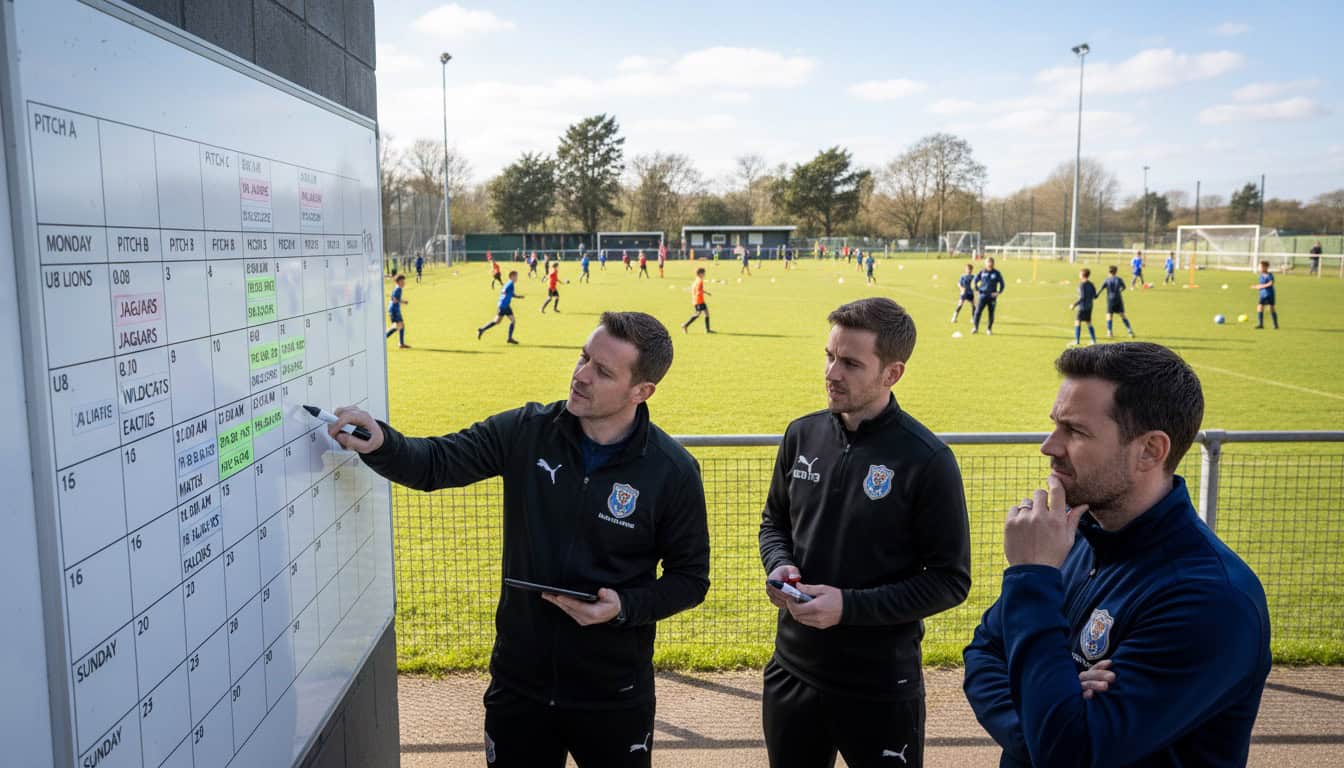
Coordinate schedules across multiple teams by establishing a central calendar view, defining clear priority rules for conflicts, designating shared resources (venues, players, equipment), and creating communication protocols between team managers.
- Central visibility: One view showing all teams' schedules
- Clear priority rules: Defined hierarchy for conflicts
- Communication protocols: Managers coordinating proactively
Author: Team Game Finder Editorial Team
Expertise: Multi-team management, club coordination, sports scheduling
Why Multi-Team Coordination Matters
Clubs with multiple teams face unique challenges:
- Venue conflicts: Two teams want same pitch
- Shared players: Some play for multiple squads
- Equipment sharing: Not enough balls/bibs/goals for simultaneous sessions
- Volunteer overlap: Same people helping multiple teams
Without coordination:
- Matches clash with each other
- Players double-booked
- Venues overbooked or wasted
- Volunteers burned out
Building the Central Calendar
What to Include
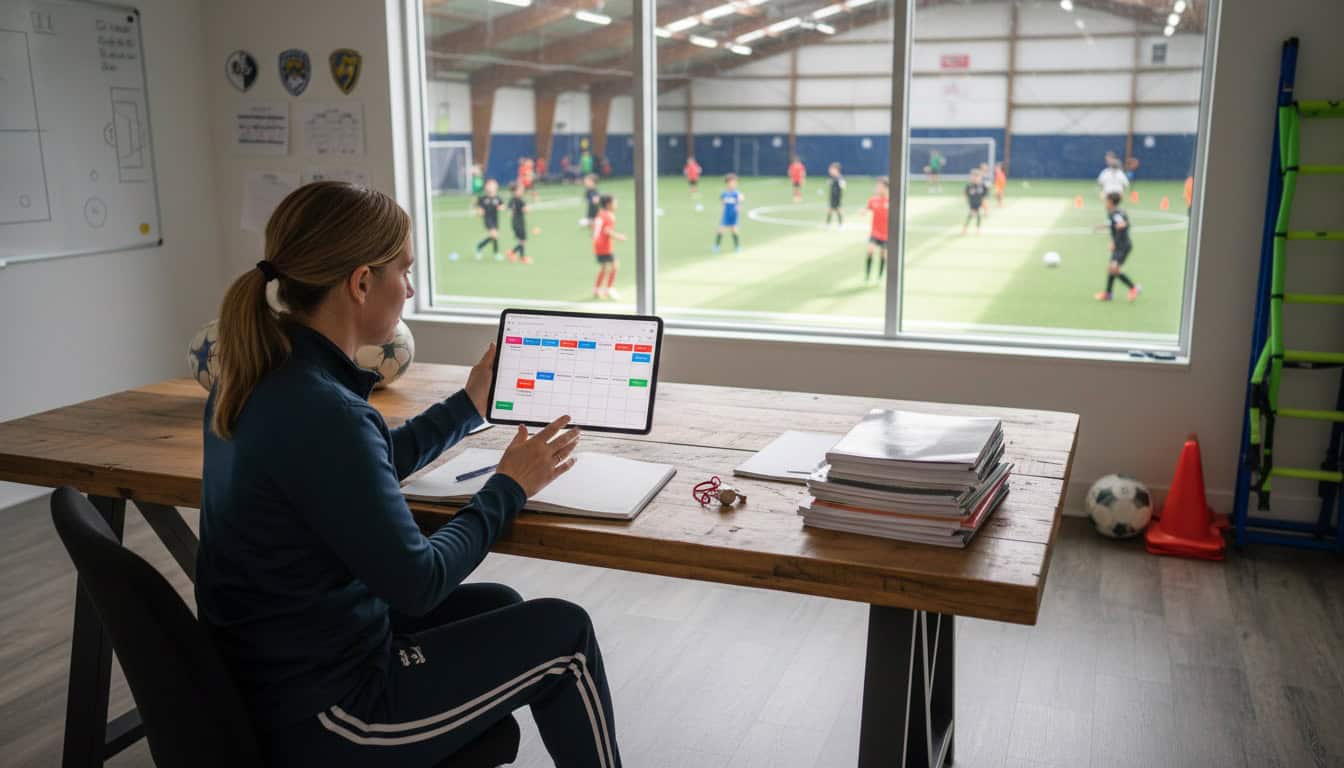
Create a master view showing all teams' schedules with training slots, match days, and key dates. Each team should have distinct information visible at a glance.
Technology Options
Shared calendar systems:
- Google Calendar with multiple calendars
- Microsoft 365 shared calendars
- Team management apps with multi-team views
Color coding:
- Each team gets distinct color
- Conflicts visible at a glance
- Easy to spot double-bookings
Establishing Priority Rules
Priority Hierarchy
Define clear rules for when conflicts arise. League matches typically cannot be moved (highest priority), followed by cup competitions (dates often fixed), pre-arranged friendlies (try to honor commitments), training sessions (most flexible), and social events (move as needed).
Team Priority
When two teams want the same resource, establish clear options:
- First team (often gets priority for prestige fixtures)
- Whoever booked first
- Age group priority (youth may need specific times)
- Rotation system (fairness over time)
Document your rules: Create written policies for venue conflicts, specifying that league matches always take priority, whoever scheduled first has claim, and if simultaneous requests occur, define the decision process clearly.
Managing Shared Players
Common Scenarios
- Youth player called up to adult team
- Reserve player needed for first team
- Player in development squad and main squad
Coordination Protocol
Before season:
- Identify all shared players
- Define "home" team for each
- Establish communication process
- Set expectation about priority
During season: When both teams have matches, home team gets priority. When one has match and one training, match takes priority. For cup match vs league match, discuss case-by-case. For emergency cover needed, request, don't demand.
Venue Allocation
Dividing Venue Access
Option 1: Fixed slots - Each team gets specific time slots (Team A: Saturday 1pm, Team B: Saturday 3pm, Team C: Sunday 2pm)
Option 2: Rotation - Teams rotate between prime and less desirable slots for fairness over the season with published schedule at season start
Option 3: Priority booking - First team gets first choice, others book remaining slots, with periodic review of fairness
Training Venue Sharing
Stagger times: Schedule teams consecutively (6:00-7:00 PM Youth, 7:00-8:00 PM Women's, 8:00-9:00 PM Men's on main pitch)
Share space:
- Two teams on large pitch (half each)
- Indoor facility split
- Rotation mid-session
Communication Systems
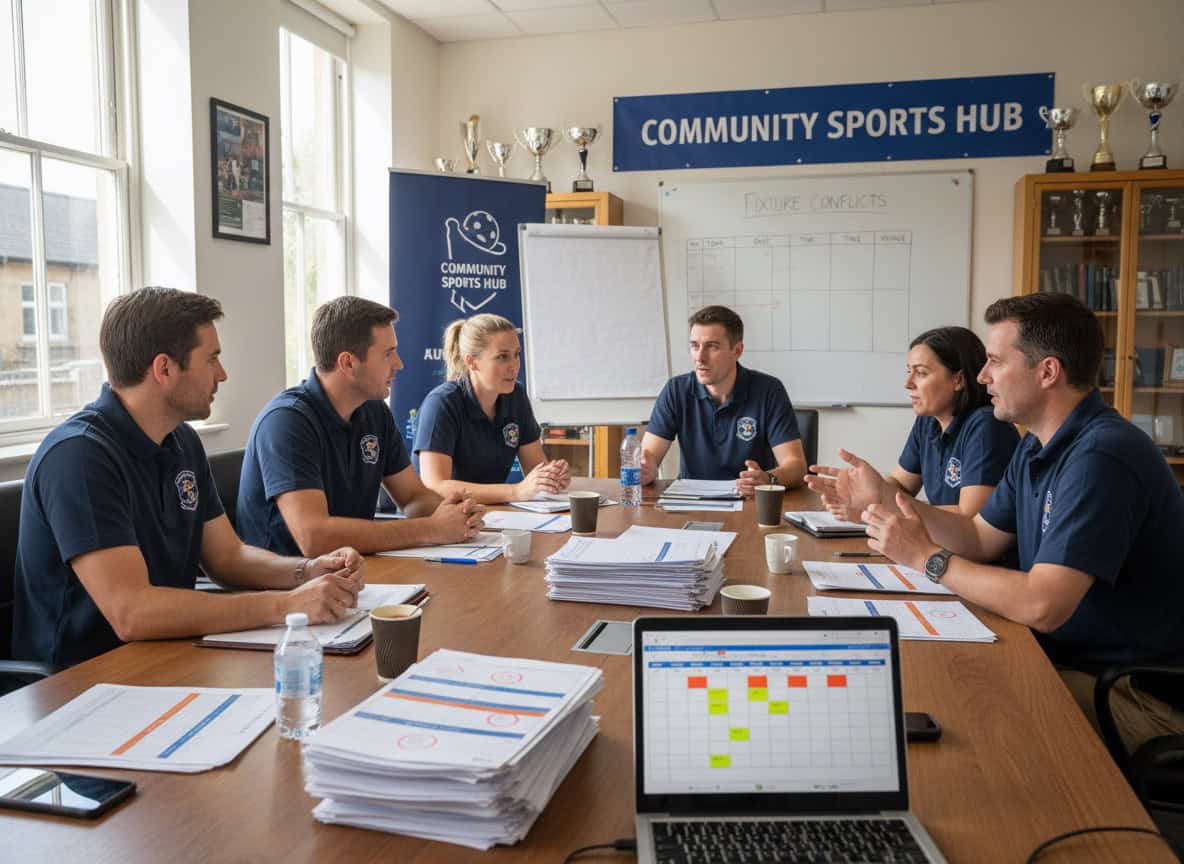
Regular Coordination Meetings
Frequency: Monthly or as needed
Agenda:
- Upcoming fixture conflicts
- Shared player availability
- Venue issues
- Cross-team announcements
Manager Communication Group
Create a managers-only channel using WhatsApp group for managers, Slack channel, or regular email updates.
Purpose:
- Flag conflicts early
- Request player loans
- Share information
- Coordinate resources
Escalation Process
When managers can't agree:
- Discuss directly first
- Refer to club policy
- Escalate to club secretary/chairman
- Decision is final once made
Equipment and Resource Sharing
Manage shared equipment systematically: Match balls should be assigned per team and tracked. Training balls should be from a shared pool with return after use protocols. Goals/posts should be fixed or booked. Each team should have their own first aid kits. Corner flags and cones can be shared with communal storage.
For limited resources, implement a booking system for shared items, establish return protocols, create accountability for damage/loss, and budget for replacement.
Youth-Adult Coordination
Specific Considerations
Youth scheduling needs:
- Age-appropriate times (not late evening)
- School holiday considerations
- Parent availability for transport
- Safeguarding requirements
Adult-youth interaction:
- Youth players "promoting" to adult teams
- Adult players coaching youth
- Shared events and festivals
- Club culture building
Match Day Coordination
Typical Saturday structure: Start with youth matches at 9:00 AM, finish youth and setup for seniors by 12:00 PM, reserves kick-off at 1:00 PM, first team kick-off at 3:00 PM. This planning allows families with children in youth AND adults playing to manage the day.
Technology for Multi-Team Management
Club Management Platforms
Features to look for:
- Multi-team calendar view
- Resource booking system
- Player assignment to multiple teams
- Cross-team reporting
DIY Systems
Google Workspace approach:
- Shared calendar per team
- Master calendar subscribing to all
- Shared drive for documents
- Forms for resource requests
Communication Integration
- Calendar updates trigger notifications
- Booking changes notify affected parties
- Conflict warnings automatic
How This Relates to Scheduling
Multi-team coordination connects to your broader approach:
- Sports Team Scheduling Hub: Individual team scheduling
- Managing Multiple Squads: Organizational structure
- Recurring Match Slots: Consistent team schedules