Answer:
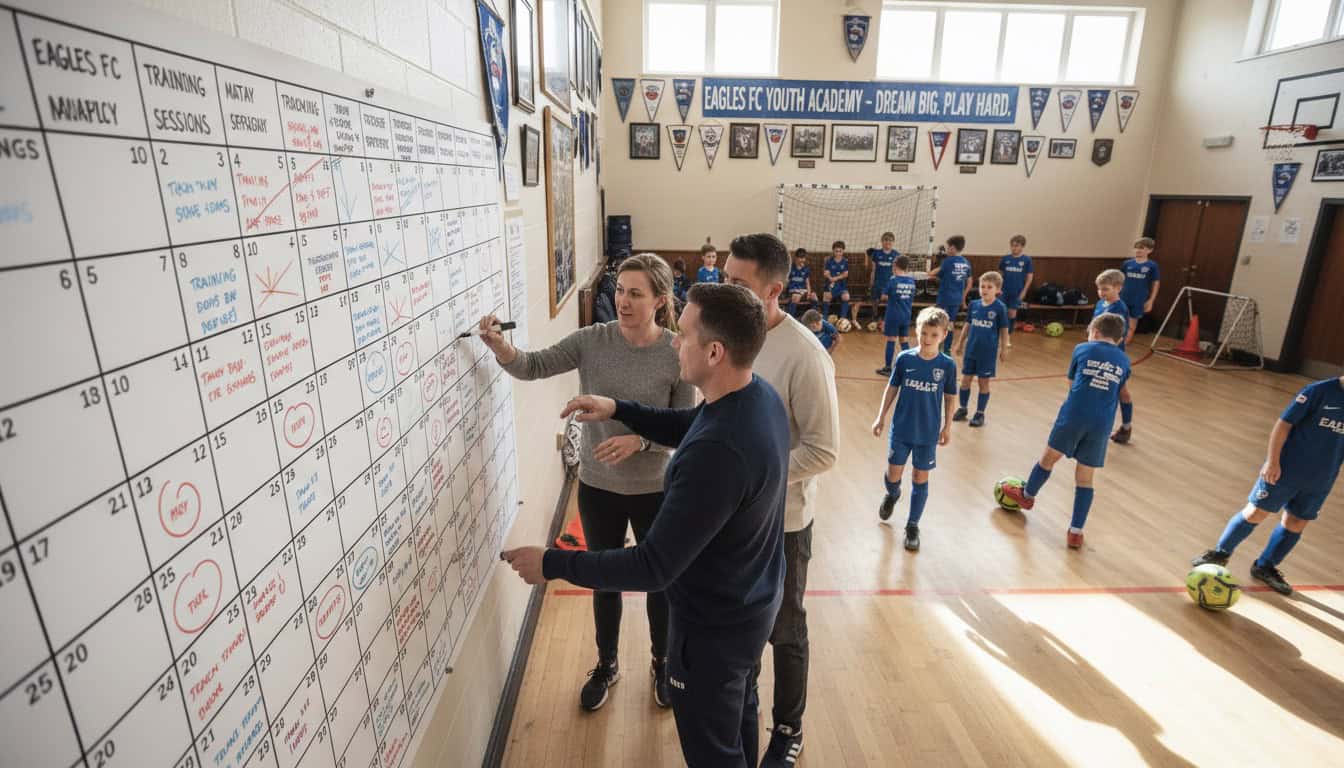
Build a season calendar by plotting key dates first (league fixtures, cup rounds, holidays), adding regular recurring events (training, home slots), leaving buffer space for postponements and catch-ups, then sharing with all players before the season starts.
- Key dates first: League fixtures, holidays, cup rounds
- Recurring events: Training sessions and regular home slots
- Buffer space: Room for postponements and unexpected additions
Author: Team Game Finder Editorial Team
Expertise: Sports team scheduling, season planning, team coordination
Why Season Calendars Matter
A good season calendar:
- Gives players advance notice
- Reduces scheduling conflicts
- Helps with venue booking
- Identifies problem periods
- Sets expectations early
Without one:
- Constant last-minute planning
- Poor player availability
- Venue booking challenges
- Stressful fixture congestion
Season Calendar Components
Essential Elements
Your calendar should include: League fixtures (official match dates added when released), cup rounds (competition dates added when drawn), training sessions (regular weekly slots set in pre-season), home match slots (regular home times established pre-season), friendly matches (pre-season and gap fixtures arranged as scheduled), club events (socials, AGM, etc. added as planned), holiday periods (Christmas, Easter, etc. marked pre-season), and blank space (buffer for catch-ups planned pre-season).
Optional Additions
- Tournament participation
- Representative call-ups
- Referee training dates
- Coaching courses
- Charity events
- End-of-season events
Building Your Calendar: Step by Step
Step 1: Mark Fixed Dates
Start with dates you can't control: League fixtures from fixture lists, bank holidays from national calendar, school holidays from local authority, major sporting events to avoid calendar clashes, and venue closures from venue information.
Step 2: Add League Fixtures
When league releases fixtures:
- Enter all home and away matches
- Include kick-off times
- Add travel details for away games
- Note any unusual dates (midweek)
Step 3: Plot Cup Dates
For cup competitions:
- Enter known round dates
- Mark "if progressed" dates for later rounds
- Note entry deadlines
Step 4: Establish Training Pattern
Typical training setup:
- Two sessions per week
- Same times each week
- Consistent venue
- Exceptions marked (holidays, etc.)
Create recurring entries: "Training - Every Tuesday 7:00-8:30 PM at [Venue name and address], except [list holiday weeks]"
Step 5: Set Home Match Defaults
If you have a regular home slot:
- Create default entry for home weeks
- Update with specific opponents as arranged
- Maintain consistency for player planning
Step 6: Plan Friendlies
Pre-season friendlies: Schedule 4-6 weeks before league start with mix of home and away fixtures and vary opposition quality
In-season friendlies: Fill blank league weeks, don't overload schedule, prioritize quality over quantity
Step 7: Leave Buffer Space
Critical: Don't fill every weekend
Create buffer space for postponement catch-ups (weather, opponent cancellations), cup progression (later rounds if successful), rest weekends (player recovery), and emergency slots (unexpected fixtures).
Aim for: 2-3 blank weekends per month minimum.
Season Calendar Template
Monthly Overview Format
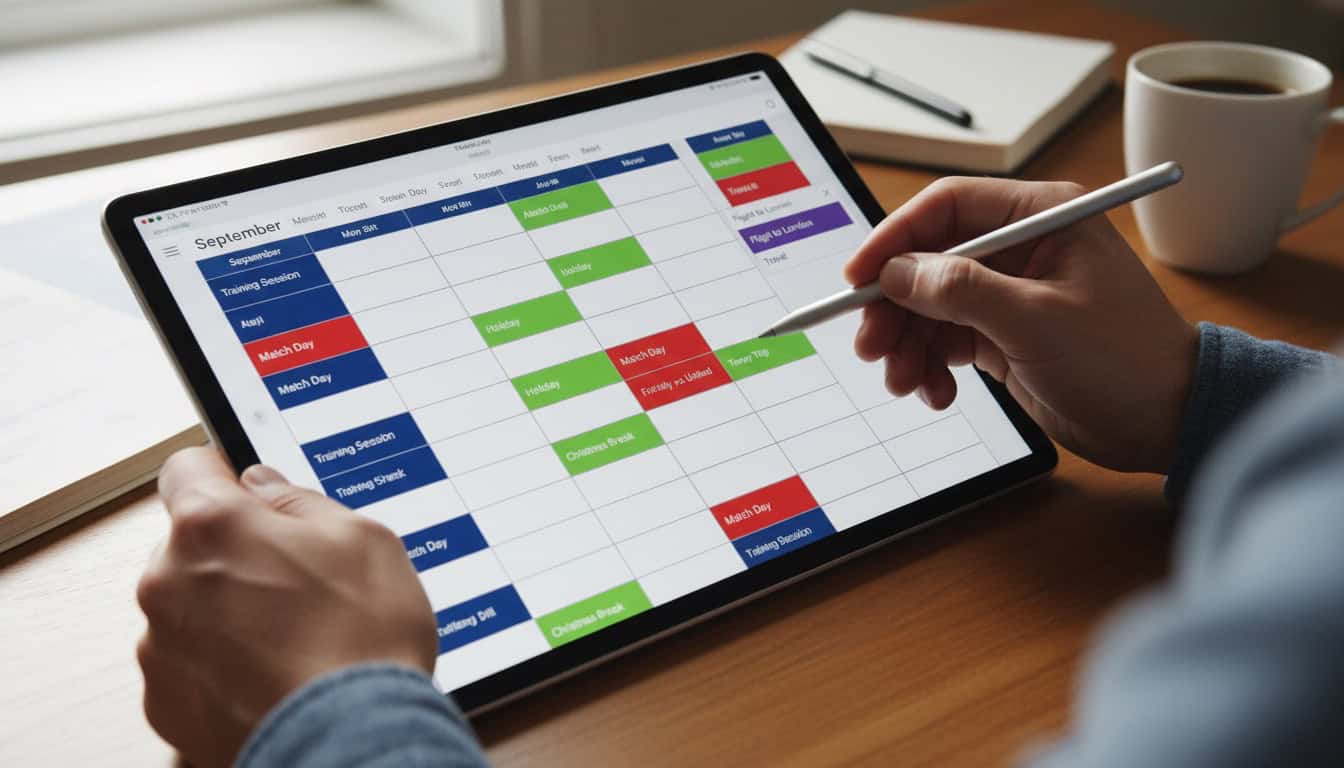
Organize by weeks showing each week's training sessions and matches. For example:
Week 1 (1-7)
- Tue 2: Training 7pm
- Thu 4: Training 7pm
- Sat 6: League Match vs [Team A] (H) 3pm
Include notes section for each month highlighting important reminders like school term dates or training modifications.
Season Summary Format
Create an overview showing pre-season (training begins date, friendlies schedule), main season (league matches count, cup entries, training regular slots), and key dates (season starts, Christmas break, half-term breaks, season ends, presentation night).
List all blank weekends designated as catchup slots throughout the season.

Sharing Your Calendar
Digital Sharing
Google Calendar approach:
- Create team calendar
- Share link with all players
- Players subscribe on their devices
- Updates sync automatically
Team app approach:
- Enter fixtures in app
- Players join team
- Notifications automatic
- Availability collection integrated
Document Sharing
Season summary document: Create one-page overview of key dates, send at start of season, post in team group, and update if major changes occur.
Player Expectations
Communicate at season start: "Here's our season calendar," "Please block training days," "Match dates are fixed," "Friendlies may be added/moved"
Managing Calendar Changes
League fixture moves are rare but require immediate formal communication. Cup draw results should be communicated immediately after each round. Friendly additions are regular and need advance notice. Training cancellations are occasional and require multiple communication channels.
Update Protocol
- Update the master calendar first
- Send notification to team
- Highlight what changed
- Confirm key individuals aware
Common Pitfalls
Overloading the Calendar
Problem: Too many fixtures, no rest
Solution: Maximum 2 matches per week, blank weekends built in, quality over quantity for friendlies
Ignoring Holidays
Problem: Matches scheduled when half team on holiday
Solution: Check school holidays, consider bank holiday availability, reduce expectations for holiday periods
No Buffer for Postponements
Problem: Nowhere to reschedule postponed matches
Solution: Leave blank weekends throughout season, don't fill midweek unless necessary, plan for worst-case weather
Poor Visibility
Problem: Players don't know what's happening
Solution: Shared digital calendar, regular reminders, easy access to information
Tools and Technology
Calendar Apps
Google Calendar is best for most teams (free, shareable, mobile). Outlook works well for work integration (familiar to many). TeamSnap offers full team management with integrated features. Spond is communication focused with easy availability tracking.
Spreadsheet Alternative
For simple tracking: Create season spreadsheet with one row per weekend, columns for date, fixture, venue, and notes. Share view-only with team.
How This Relates to Scheduling
Season calendars connect to your broader approach:
- Sports Team Scheduling Hub: Overall scheduling strategy
- Recurring Match Slots: Building consistent patterns
- Coordinating Multiple Teams: Club-wide calendars
- Season Planning for Managers: Manager perspective on season planning